

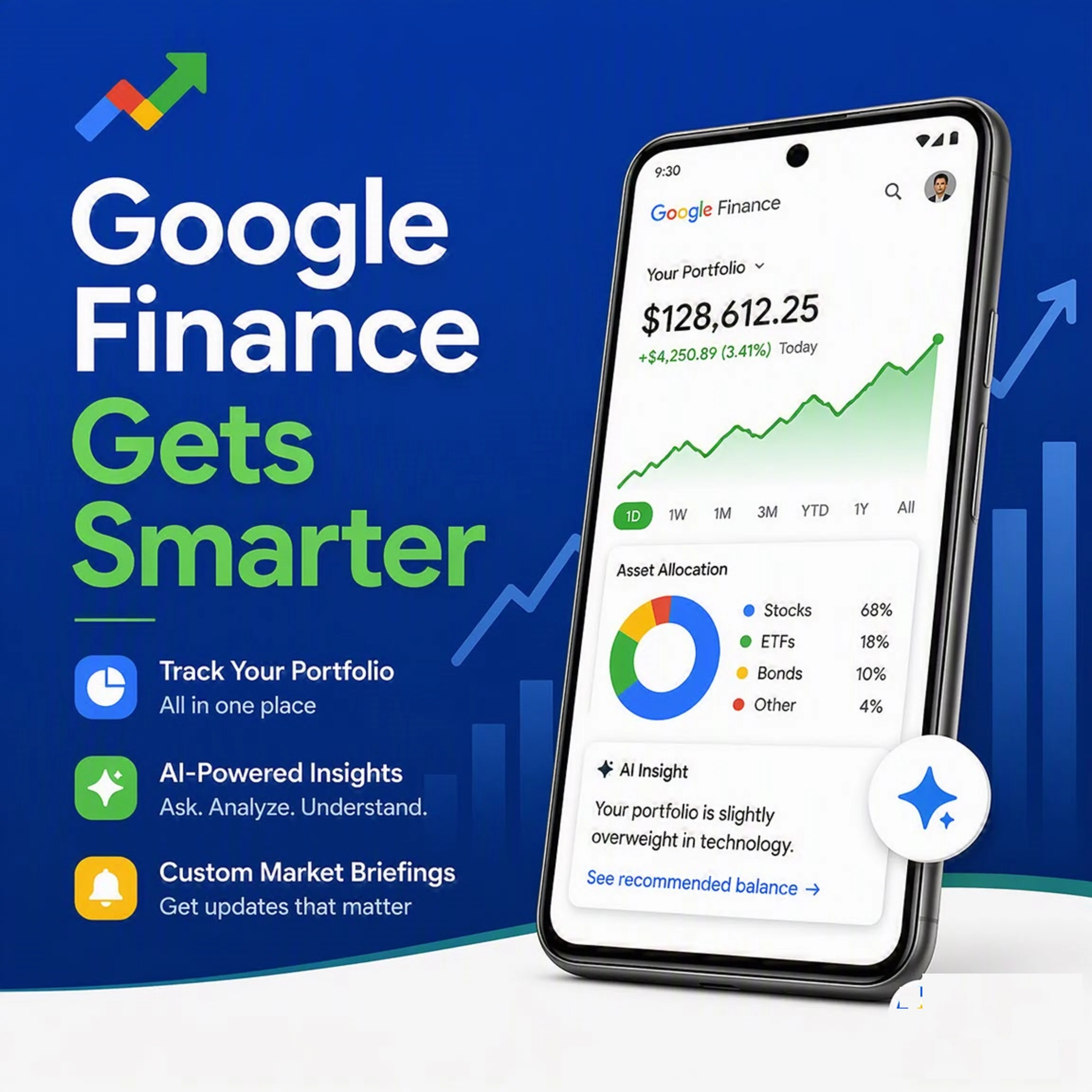
Investing can be complicated, but staying on top of your financial information just got a whole lot simpler. Google has announced a suite of powerful new features for Google Finance, rolling out globally this week. The centerpiece is a brand-new dedicated Android app, but the upgrades don’t stop there.From AI-driven research to customizable market briefings, here’s everything you need to know about the new Google Finance.
Your Complete Portfolio, All in One Place
The new Google Finance is moving out of beta with a redesigned portfolio experience that makes tracking your investments more insightful than ever.
A Unified Dashboard
Starting this week, you can see all your investments consolidated in a single, easy-to-read dashboard. It doesn’t just show performance data it also provides valuable insights into your asset allocation, helping you understand the big picture of your financial health at a glance.
Effortless Setup
Getting your portfolio into Google Finance is easier than ever. Your existing portfolios will be available automatically. If you’re starting fresh, you have several options:
- Upload Files: Drop in screenshots or upload CSV or PDF files that detail your holdings.
- Describe It: Simply type a description of your investments, and Google Finance will build your portfolio from there.
Smarter Research
Once your portfolio is set up, you can dig deeper with a new research tool. Ask powerful questions like “What sectors are currently underrepresented in my portfolio?” or “How does my fixed income allocation impact my long-term growth potential?” to get actionable insights.
Custom Briefings Delivered on Your Schedule
In today’s fast-moving markets, staying informed is crucial. Google Finance now has a new way to deliver the intel that matters most to you, exactly when you need it.
How It Works
Simply describe a task, for example: “Send me a daily pre-market briefing analyzing significant overnight moves across major cryptocurrencies.”
Fully Customizable
You can edit the schedule and instructions however you like. Use your watchlist or portfolio to get insights specifically tailored to your own investments. Once set up, Google Finance works in the background, finding exactly what you need and delivering a custom briefing on your preferred schedule.
Where to Find Your Briefings
When your update is ready, you’ll receive a notification through the Google app on Android or iOS. Notifications will also appear in the research panel on the web version, where you can view and edit your existing tasks.
The New Google Finance App for Android
For those who check the markets multiple times a day, Google has launched a brand-new, dedicated Google Finance app for Android.
Core Experience on the Go
The app brings the heart of the new Google Finance experience directly to your phone. Key features include:
- Easy access to your watchlist.
- Real-time market data.
- A live financial news feed.
- The AI research tool for on-the-spot queries.
- AI-powered “key moments” that explain the reasons behind stock movements.
What’s Next for Mobile
This is just the beginning. Over the coming months, Google plans to bring more features from the web experience to the mobile app, including live earnings calls and the new portfolio and task features. And later this year, an iOS app is also on the horizon, opening up the new Google Finance experience to even more users.
Navigate the Markets with Confidence
The new Google Finance is packed with tools and insights designed to help you navigate the complexities of the financial world with greater confidence. Whether you’re a seasoned investor or just starting out, these upgrades make it easier to stay informed, track your portfolio, and understand the market.
TechTrib.com is a leading technology news platform providing comprehensive coverage and analysis of tech news, cybersecurity, artificial intelligence, and emerging technology. Visit techtrib.com.
Contact Information: Email: news@techtrib.com or for adverts placement adverts@techtrib.com
About The Author
